Supporting Remote and Multi-Site Teams Without Losing Control
For a long time, business IT rested on one assumption: everyone works on our network. The firewall was the boundary, the file server was down the hall, and support meant walking to someone's desk. Remote work, hybrid schedules, and second and third locations quietly retired that model. Plenty of businesses are still running the tools built for it.
What actually broke
- The LAN stopped being where work happens. Email, files, accounting, and line-of-business apps moved to the cloud, but access controls stayed tied to the office network.
- VPN became the bottleneck. Full-tunnel VPN routes everything through headquarters, slows cloud apps down, and gets disabled by users who just want their video call to work.
- Sites drifted apart. The second location got whatever the local vendor installed, with different gear, different naming, and different security settings. Nobody planned it; it just accumulated.
- Home devices went unmanaged. Company data ended up on personal laptops that were never enrolled, patched, or encrypted.
Identity replaces the network perimeter
If work no longer happens inside one building, the login becomes the control point. That means a single cloud identity platform for every user, single sign-on into the apps you actually use, and multi-factor authentication everywhere — preferably phishing-resistant methods like passkeys or hardware keys rather than text messages.
Conditional access is the piece most businesses have not turned on. It lets you say what a successful login is allowed to do next: block sign-ins from countries you do not operate in, require a managed and compliant device for anything sensitive, and force a re-check when the risk signals look wrong. It also means offboarding is one action in one place instead of a scavenger hunt through a dozen systems.
Manage every device, wherever it sits
Endpoint management has to follow the device, not the office. Every company machine — headquarters, branch, or spare bedroom — should be enrolled from day one with disk encryption on, patching enforced, endpoint detection installed, and screen lock required. Zero-touch provisioning makes this practical: a new laptop ships straight to the employee, they sign in, and it configures itself.
ZTNA instead of a full-tunnel VPN
A traditional VPN puts a remote device on your network and largely trusts it from there. Zero trust network access takes a narrower approach: it grants access to one specific application at a time, re-checking who the user is and whether the device is healthy on each connection. Nothing else on the network becomes reachable, so a compromised laptop cannot wander. Performance improves too, because cloud traffic stops detouring through the office. A VPN still has a place for administrative and legacy access — it just should not be the front door for everyone.
Files in one place everyone can reach
Mapped drives over VPN are a common source of daily frustration and shadow workarounds. Moving shared files to cloud storage with proper permissions and version history removes the dependency on a single site being online, and it stops the drift toward personal cloud accounts and USB drives. Cloud storage is not a backup, though — keep a separate, independent backup of your cloud data.
One standard per site, including home offices
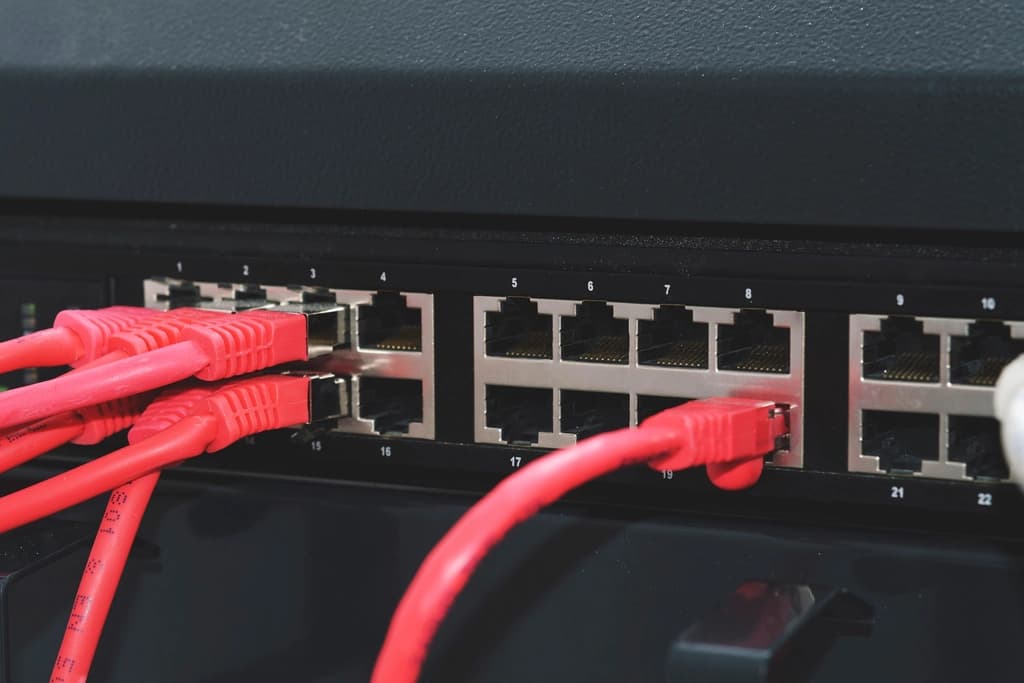
Write down what a site looks like: firewall model, switch and access point standards, primary internet plus failover, consistent VLANs and naming. New locations then get built, not improvised. Home offices deserve a lighter version of the same thing — a company-managed device, a reasonable internet connection, and a clear rule that work happens on work equipment.
Support quality that does not depend on geography
Remote monitoring, remote support sessions, and documented procedures are what keep a branch employee from becoming a second-class citizen. Patching, alerting, and ticket response should be identical everywhere, with scheduled onsite visits for the physical work. Managed IT from Equal Tech Solutions is built this way: one standard, one help desk, and the same protection whether someone is at headquarters or three hours away.
If your remote and branch users are getting a different experience than your main office, that gap is a security problem as much as a support problem. Equal Tech Solutions supports distributed teams in Chattanooga, Cleveland, and throughout the Southeast US. Contact Equal Tech Solutions to bring every location and home office up to the same standard.