Employee Offboarding: The IT Security Checklist Most Businesses Skip
Hiring gets a process. Someone orders a laptop, creates accounts, sets up email, schedules training. Offboarding usually gets a hallway conversation: "Dave’s last day is Friday." Two months later Dave still has a working mailbox, still appears in the company Teams, and his phone still syncs company files.
Most of the time nothing bad comes of it. The times something does, it is expensive, and it was entirely preventable.
Why leftover access is a real risk
There are three separate problems. The first is the person: most departures are amicable, but staff taking client lists, quotes, or design files on the way out is one of the most common incidents small businesses actually experience, and it usually happens within days of leaving. The second is the account itself — a dormant login with an unchanged password and MFA nobody is watching is an ideal target, and no one notices unusual activity on an account nobody uses. The third is cost and compliance: unused licenses bill every month, and unreviewed access is a straight fail on cyber insurance questionnaires and HIPAA-style audits.
The checklist
- Disable the account, do not delete it. Deleting immediately can destroy data you still need. Disable first, then delete on a schedule once the data is handled.
- Revoke active sessions and tokens. More on why below. Disabling alone does not always end sessions already in progress.
- Reset the password and remove MFA methods so a registered phone or authenticator app cannot be used to get back in.
- Check for mail rules and forwarding. A rule quietly copying mail to a personal address is a classic, and it survives everything else if you miss it.
- Handle the mailbox. Convert it to a shared mailbox or delegate access to the manager so history stays available and incoming mail still gets answered.
- Transfer OneDrive and personal file storage to the manager before the automatic retention window closes. That window is shorter than most people assume.
- Collect and wipe devices. Company laptops and phones get reclaimed and reimaged. Personal devices with company data get a selective wipe through your device management tool, which removes company data and leaves personal data alone.
- Remove them from every other application. This is the one that gets missed: accounting software, the CRM, payroll, the shipping account, the domain registrar, website admin, social media, banking portals, and any vendor site they used.
- Rotate shared credentials. Anything they knew that is shared — Wi-Fi keys, service accounts, an alarm code, a vendor login on a sticky note — has to change. This is where a business password manager pays for itself, because it tells you exactly what they had access to.
- Reclaim the license once data is transferred, and remove the extension, forwarding, badge, and directory listing.
- Write it down. Date, who performed each step, what was disabled and transferred. Auditors and insurers ask for this.
Why session revocation matters more than the password
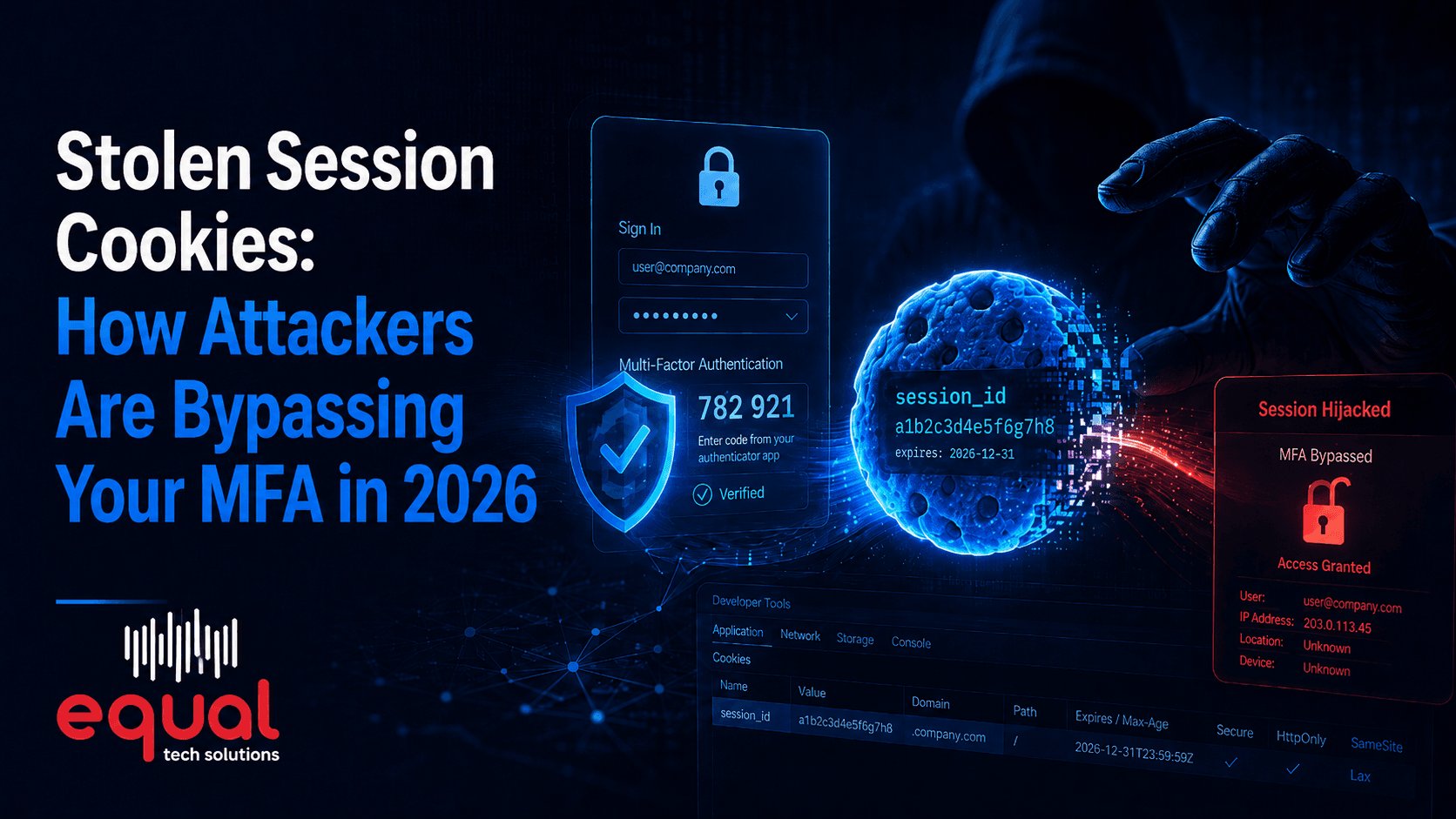
This is the most common technical miss, so it is worth explaining. When someone signs into Microsoft 365, the service issues a session token to their browser or phone. That token is what keeps them signed in, and it stays valid on its own for a period of time. Disabling an account or changing a password does not reliably kill a session already in flight — a phone that is already signed in can keep syncing mail for hours afterward. Explicitly signing the user out of all sessions and revoking refresh tokens is what actually closes the door.
Do it the same day
The right moment to run the checklist is the hour the person stops being an employee, not that evening and not Monday. For a resignation with notice, prepare the steps in advance and execute them on the last day. For an involuntary termination, access should be removed during the meeting, not after.
The change that makes this work is simple: a written checklist and a trigger. HR notifies IT the same day, every time, including for contractors, temporary staff, and anyone who quietly stopped showing up.
Equal Tech Solutions builds offboarding into managed IT as a standard, documented procedure — same-day account disable, session revocation, data transfer, device wipe, and a record of every step for your auditors.
If you are not certain former employees have lost every door they once had, that is worth checking now. Equal Tech Solutions serves Chattanooga, Cleveland, and the Southeast US. Contact Equal Tech Solutions for an access review.