Passkeys and the End of Passwords: A Practical Guide for Businesses
Passwords have been the weak link in security for as long as they've existed. People reuse them, write them down, choose weak ones, and hand them to attackers who send a convincing fake login page. We bolted on multi-factor authentication to patch the problem, but even that gets defeated by phishing. Passkeys are the fix the industry has been building toward — and in 2026 they're mature enough that businesses should have a plan for them. Here's what they are and how to actually roll them out.
What a passkey is
A passkey replaces your password with a pair of cryptographic keys. When you set one up, your device creates a private key that never leaves it and hands the website a matching public key. To sign in, your device proves it holds the private key by unlocking it with your fingerprint, face, or device PIN. There's no shared secret typed into a box, nothing to reuse, and nothing an attacker can steal from the website's database because the private key was never there to begin with. It's built on an open standard called FIDO2, so it works across the major platforms and browsers.
Why passkeys beat passwords plus SMS codes
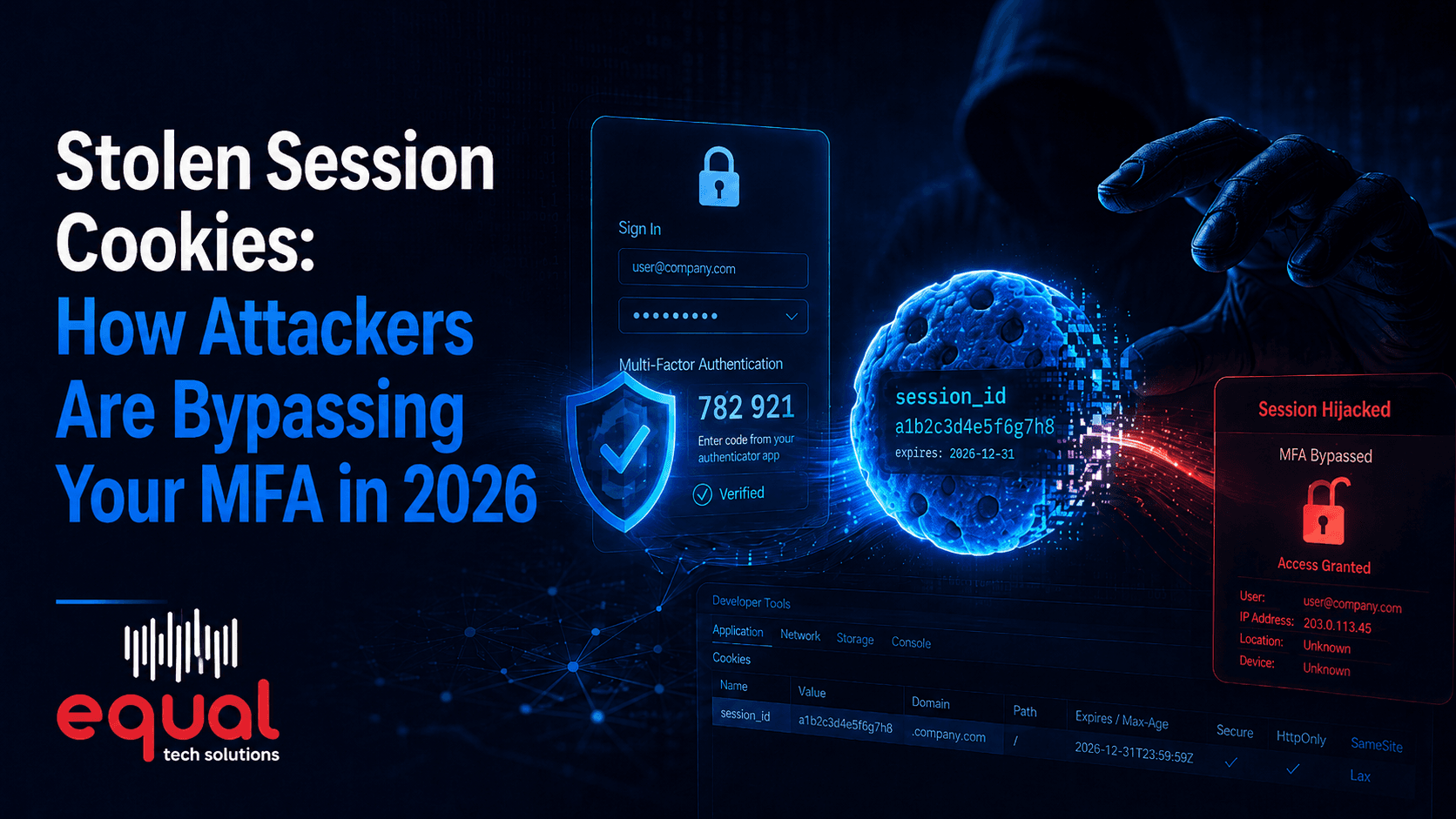
The killer feature is that passkeys are phishing-resistant, and that word matters. A password plus a texted code can still be stolen: an attacker builds a fake login page, you type your password and your SMS code, and they relay both to the real site in real time. It happens constantly, and it's how many "we had MFA" breaches actually occur. A passkey can't be phished this way because it is cryptographically bound to the real website's domain. If you land on a look-alike site, the passkey simply won't work — there's nothing to hand over. On top of that, there's nothing to remember, nothing to reset, and no password database to breach.
Where passkeys fit alongside MFA
A common point of confusion: is a passkey a replacement for MFA, or part of it? The honest answer is that a passkey is already strong multi-factor authentication in a single step — it combines something you have (the device holding the private key) with something you are or know (the biometric or PIN that unlocks it). So a passkey doesn't sit next to your MFA; it becomes a stronger, phishing-resistant form of it. For most businesses the path is to keep MFA everywhere as the baseline while steadily upgrading logins to passkeys, starting with the accounts that matter most.
How a business rolls them out
You don't flip a switch and go passwordless overnight. A sensible rollout is staged:
- Start with your highest-value accounts. Administrator and IT accounts, then executives and anyone with access to sensitive systems — these are the targets attackers want most.
- Enable passkeys where you already can. Microsoft 365, Google Workspace, and most major business apps already support them; turn the capability on and register users.
- Decide how passkeys are stored. They can live on a phone or laptop and sync through the platform, or on a dedicated hardware security key for the strongest protection on critical accounts. Match the choice to the risk.
- Plan recovery carefully. The most common rollout mistake is a weak backup method — if losing a device means falling back to a phishable password reset, you've undone the benefit. Set up proper recovery before you scale.
- Train and expand. Show staff how to enroll and sign in, gather feedback, then roll out to the rest of the organization and start retiring passwords where you can.
Getting it right the first time
Passkeys are a genuine upgrade, but the details — which accounts first, how they're stored, and especially recovery — decide whether you actually get the security benefit or just add confusion. Our cybersecurity services cover planning and rolling out passwordless authentication so it strengthens your security instead of creating new gaps.
Equal Tech Solutions helps businesses across Chattanooga, Cleveland, and the Southeast US move beyond passwords with phishing-resistant sign-in that employees actually find easier to use. If you're ready to start the transition, contact Equal Tech Solutions and we'll map out a rollout that fits your business.