Not All MFA Is Equal: Moving to Phishing-Resistant Authentication
Turning on multi-factor authentication is still the best single security decision most businesses make. But "we have MFA" is no longer the end of the conversation. Attackers adapted years ago, and the most common forms of MFA — a code by text message, a push notification you tap to approve — are now routinely defeated in the incidents we clean up.
The good news: there is a category of MFA these attacks cannot get past, and it is already in Microsoft 365 and Google Workspace.
How ordinary MFA gets bypassed
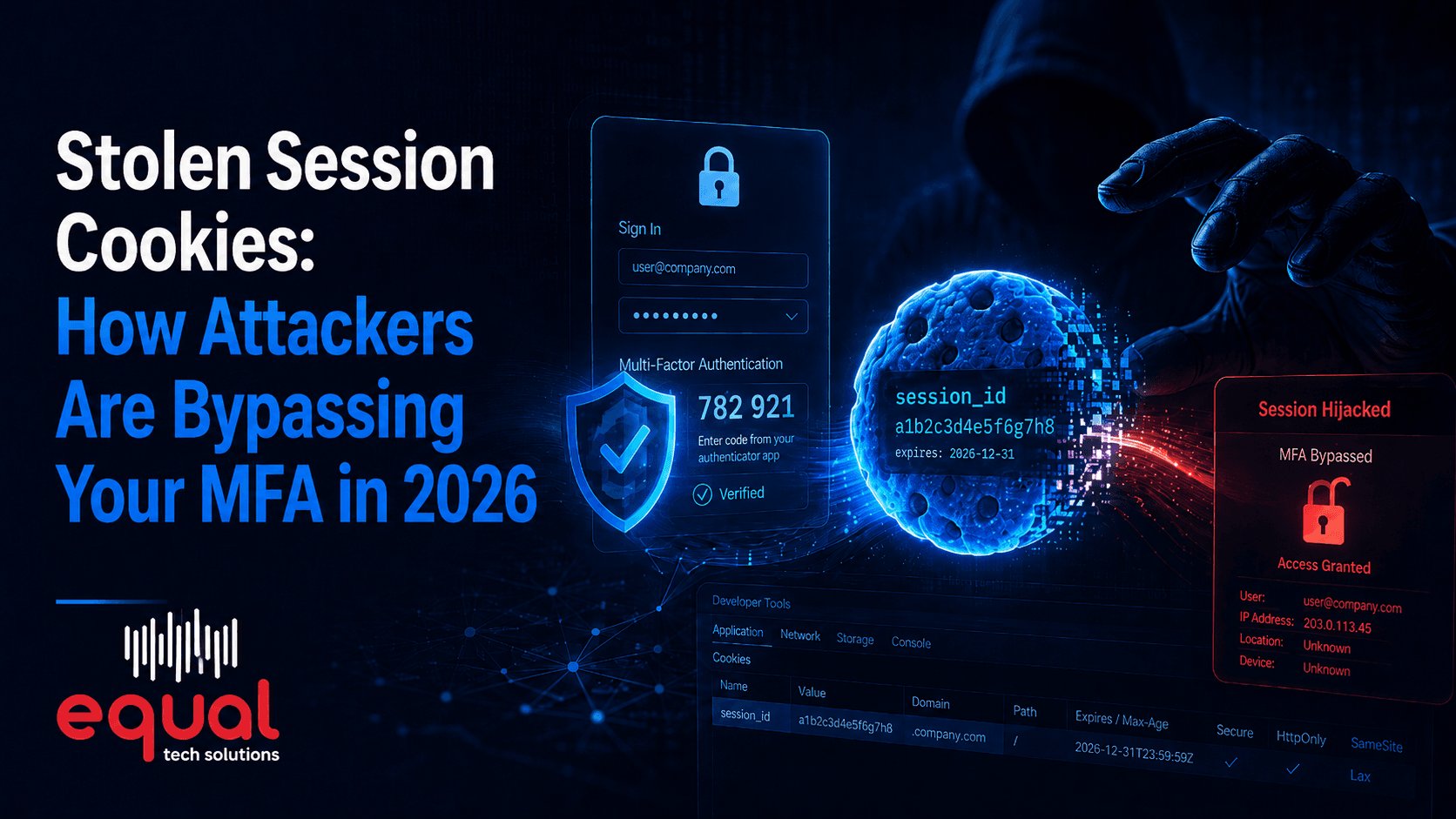
- Adversary-in-the-middle phishing. A convincing fake login page sits between the user and the real Microsoft sign-in. The user types their password, gets a real MFA prompt, approves it, and the attacker captures the session cookie the service hands back. They are signed in as that user, no password needed again. Off-the-shelf kits automate this.
- MFA fatigue, or push bombing. With a stolen password, an attacker fires approval prompts over and over, often in the middle of the night, until someone taps Approve to make the buzzing stop.
- SMS interception and SIM swap. Text codes can be redirected by convincing a mobile carrier to move a number to a new SIM. Text messaging was never built to be a security channel.
- Help desk social engineering. Someone calls posing as an employee and asks to have MFA reset. Without a firm identity check, that is a free pass around everything else.
The pattern: a human makes a judgment call, and the proof of identity can be relayed elsewhere.
What phishing-resistant actually means
Phishing-resistant MFA removes the relay problem with cryptography instead of vigilance. A passkey or FIDO2 security key is bound to the exact web address it was registered for. Land on a lookalike domain and the key simply will not produce a signature. There is no code to type and nothing an attacker can capture and replay.
The practical options:
- Passkeys stored in the Microsoft Authenticator app, in a phone or laptop secure enclave, or in a business password manager.
- FIDO2 security keys — physical USB or NFC keys. The strongest option, and a good fit for administrators, finance staff, and shared workstations.
- Windows Hello for Business — face or fingerprint tied to the hardware of a company-managed laptop.
If that is too big a jump for part of your team on day one, number matching in the Authenticator app is a real improvement over blind push approvals. Treat it as a stopgap, not the destination.
Conditional Access: the other half of the job
Strong authentication decides how someone proves who they are. Conditional Access decides whether the sign-in should be allowed at all. In Microsoft Entra ID, and the equivalents elsewhere, policies weigh signals on every login:
- Device. Is this a managed, compliant company machine, or an unknown one?
- Location. Sign-ins from countries you do no business in can be blocked outright.
- Risk. Impossible travel, a password known to be in a breach dump, an anonymized IP address — any of these can force re-authentication or kill the session.
- Legacy protocols. Old mail protocols that cannot do MFA should be switched off entirely. This is still one of the most common gaps we find.
Layered together, a stolen password — or even a stolen session cookie — is usually not enough on its own.
A rollout order that works
- Protect the administrators first. Global admins and anyone who can move money get phishing-resistant MFA immediately. Small group, largest risk.
- Turn off legacy authentication and require MFA for everyone, with a documented break-glass account excluded and stored safely offline.
- Add device and location conditions so unmanaged machines and unexpected countries are challenged or blocked.
- Roll passkeys out department by department, with hands-on help at registration. Register two methods per person so a lost phone locks nobody out.
- Harden the help desk. Write down the identity checks required for any MFA reset, and make no exceptions for people in a hurry.
- Retire SMS once enough people are enrolled in something better.
Two practical notes: run every new Conditional Access policy in report-only mode first and read what it would have blocked, and keep one tested emergency access account. Locking yourself out of your own tenant is the fastest way to lose a weekend.
Equal Tech Solutions designs and rolls out phishing-resistant MFA and Conditional Access for small and mid-sized businesses, in an order that raises security without a week of help desk calls.
If your MFA today is text messages and push approvals, that is worth fixing before someone proves why. Equal Tech Solutions serves Chattanooga, Cleveland, and the Southeast US. Contact Equal Tech Solutions for a review of how your team signs in.