QR Code Phishing (Quishing): How It Works and How to Stop It
QR code phishing, or “quishing,” puts a malicious link inside a QR code instead of in clickable text. The email says something urgent — “Your MFA must be re-registered,” “A document has been shared with you,” “Your parking payment failed” — and asks you to scan the code with your phone. The code opens a convincing fake sign-in page. It works because the link hides inside an image, and because the phone that opens it usually sits outside the protections on your work computer.
How the attack works
- The lure. An email, often with a PDF attachment, carries a QR code with a work-themed reason to scan it: security re-enrollment, a voicemail, a benefits document, a package. Physical versions exist too: stickers placed over real QR codes on parking meters, restaurant tables, and flyers.
- The scan. The employee picks up their phone, which may be personal, unmanaged, and not covered by the company’s web filtering.
- The fake page. A pixel-perfect Microsoft 365 or bank sign-in page asks for a username, password, and MFA code.
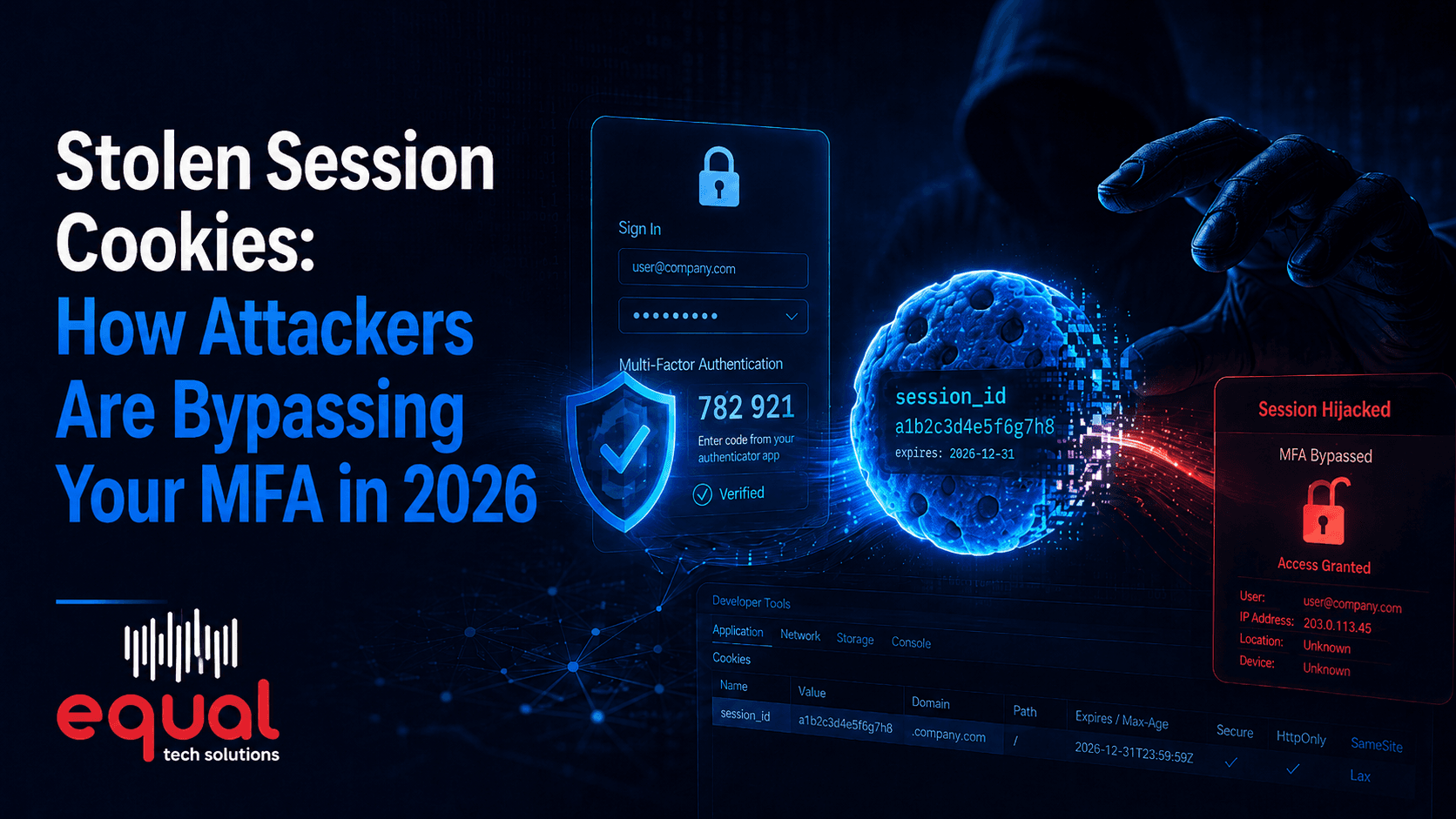
- The takeover. Modern phishing kits relay the sign-in to the real service in real time and capture the session token, which lets the attacker in even when MFA was used. We explain that technique in stolen session cookies.
Why it gets through
- The link is a picture. Older email filters scanned text links but not images. Many modern filters now decode QR codes, but attackers keep adjusting the format, splitting codes or hiding them inside PDFs.
- The phone is outside the fence. Company laptops have web filtering, endpoint protection, and browser warnings. A personal phone may have none of them.
- Small screens hide details. On a phone, a lookalike web address is easy to miss, and people are used to trusting QR codes from menus and posters.
Defenses that work
- Email security that reads QR codes. Make sure your filtering decodes QR codes in message bodies and attachments. Microsoft Defender for Office 365, included in Business Premium, does this; check that your policies are on.
- Phishing-resistant MFA and conditional access. When sign-ins require passkeys or a compliant company device, a password and code typed into a fake page on a personal phone are not enough. See our guide to phishing-resistant MFA.
- One clear rule for staff. No legitimate IT request will ever ask you to scan a QR code to sign in, re-register MFA, or keep your account active. If an email asks, report it.
- Look before you open. Phone cameras show the web address before opening it. If the address is not the company it claims to be, do not open it.
- Check physical codes. A sticker on top of a printed QR code at a parking meter or on a table is a warning sign. Type the website address yourself instead.
Bring phones inside the fence
Quishing works best against phones nobody manages. If employees read company email and Teams on their phones, give those phones some of the same protection laptops get. Intune app protection policies secure company data inside Outlook, Teams, and OneDrive on personal phones without taking over the whole device, and they can require a PIN and block copying company data into personal apps. Mobile threat protection, part of Microsoft Defender in several Microsoft 365 plans, can warn about or block known phishing sites on enrolled phones. Company-owned phones should be fully enrolled in device management like any other company computer.
Teach the pattern, not the trick
QR codes are just the latest wrapper for the same old scam: urgency, an authority figure, and a request to sign in somewhere. The habits taught by the SLAM method — check the sender, the links, the attachments, and the message — apply to codes as well. With the holidays coming, expect QR codes in fake delivery and charity messages too; see holiday phishing scams.
If someone scanned and signed in
Act immediately: reset the password, revoke all active sessions, review the account’s MFA methods for anything new, and check the mailbox for forwarding rules or rules that hide incoming messages. Then look at the sign-in logs to see whether the attacker got in and what they touched. The faster this happens, the less there is to clean up.
Protect the people and the phones
Equal Tech Solutions’ cybersecurity services combine email filtering that reads QR codes, phishing-resistant MFA, and security awareness training for businesses across Cleveland, Chattanooga, and the Southeast. Contact us to close the gaps quishing slips through.